
Settings
The fields that determine what the payment page looks like are spread over a few pages under Settings.
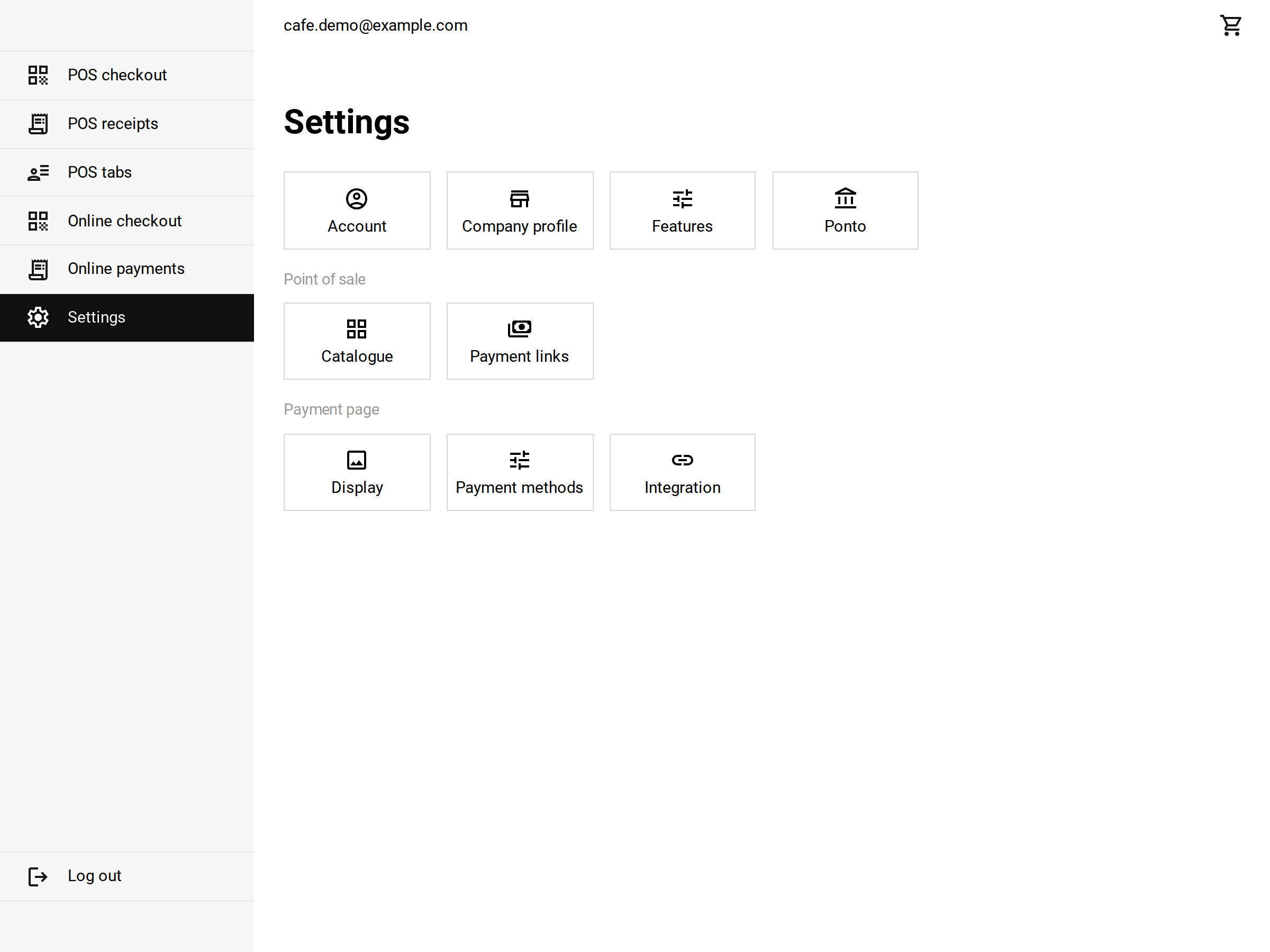 Settings: the payment page has its own group at the bottom
Company profile
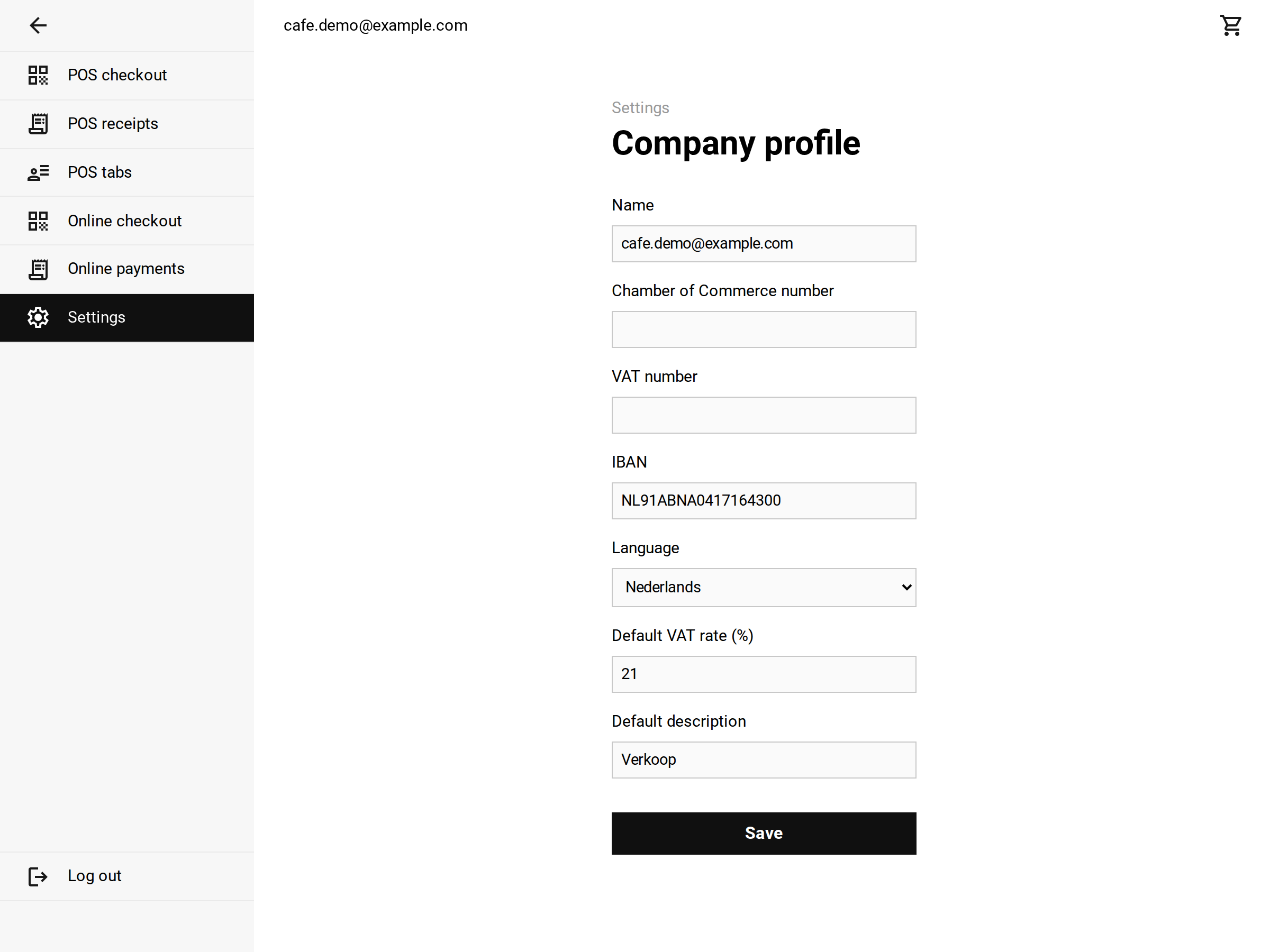 The company profile
- Name: is shown as the recipient and used as the page title.
- IBAN: is the account the EPC QR code pays into. Without a valid IBAN there is no EPC QR code and the page falls back to your payment link.
- Language: is the language the payment page uses if no lang is set (see parameters).
- Default description: is used when the link has no specification set.
Features
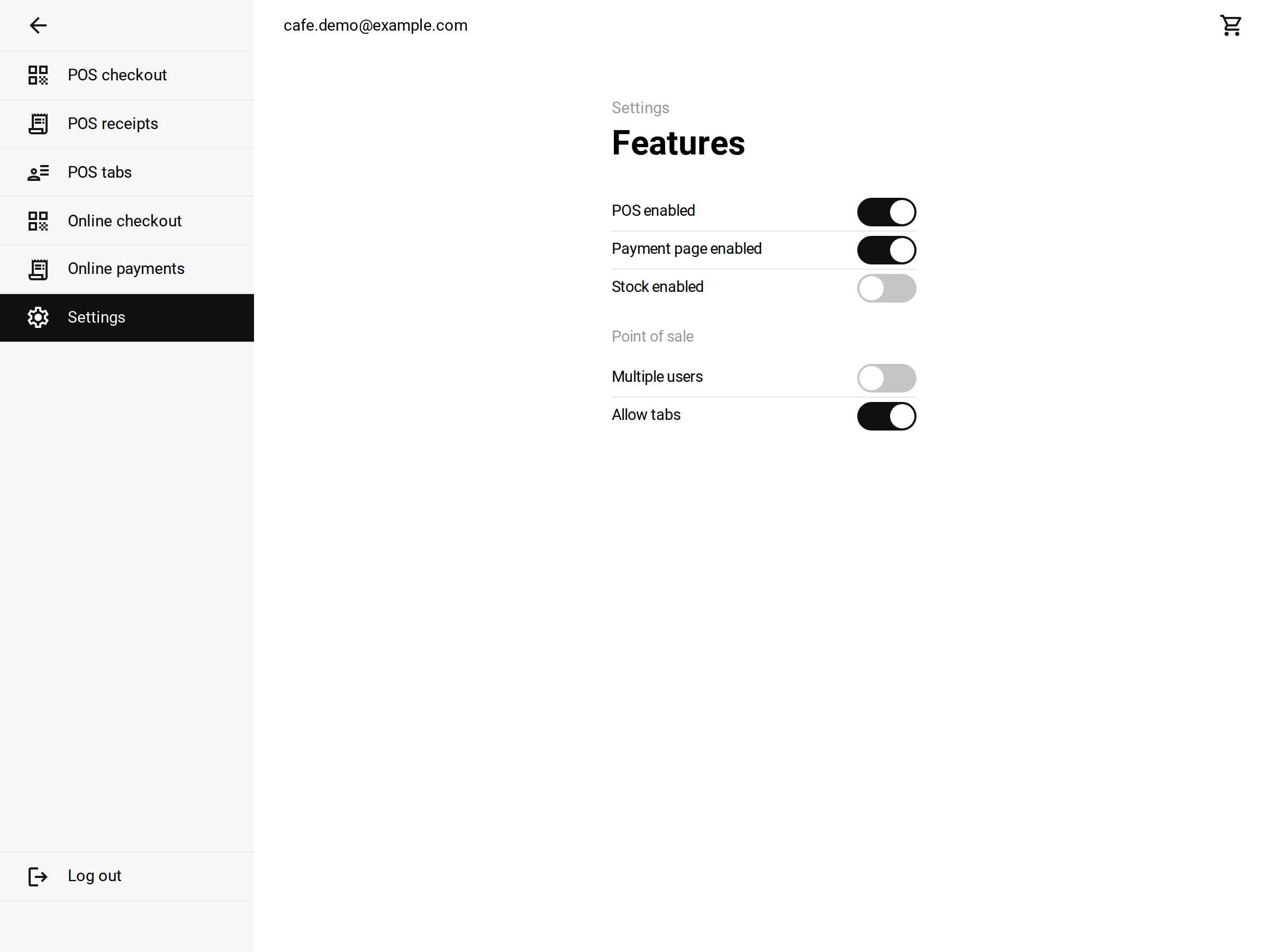 The features, with the switch for the payment page
- Payment page enabled: switches the payment page on or off. When it is off, your payment page is closed to buyers and the section Settings > Payment page is hidden. The switch sits in the first group of Settings, so you find it even while the payment page is off.
Payment page > Display
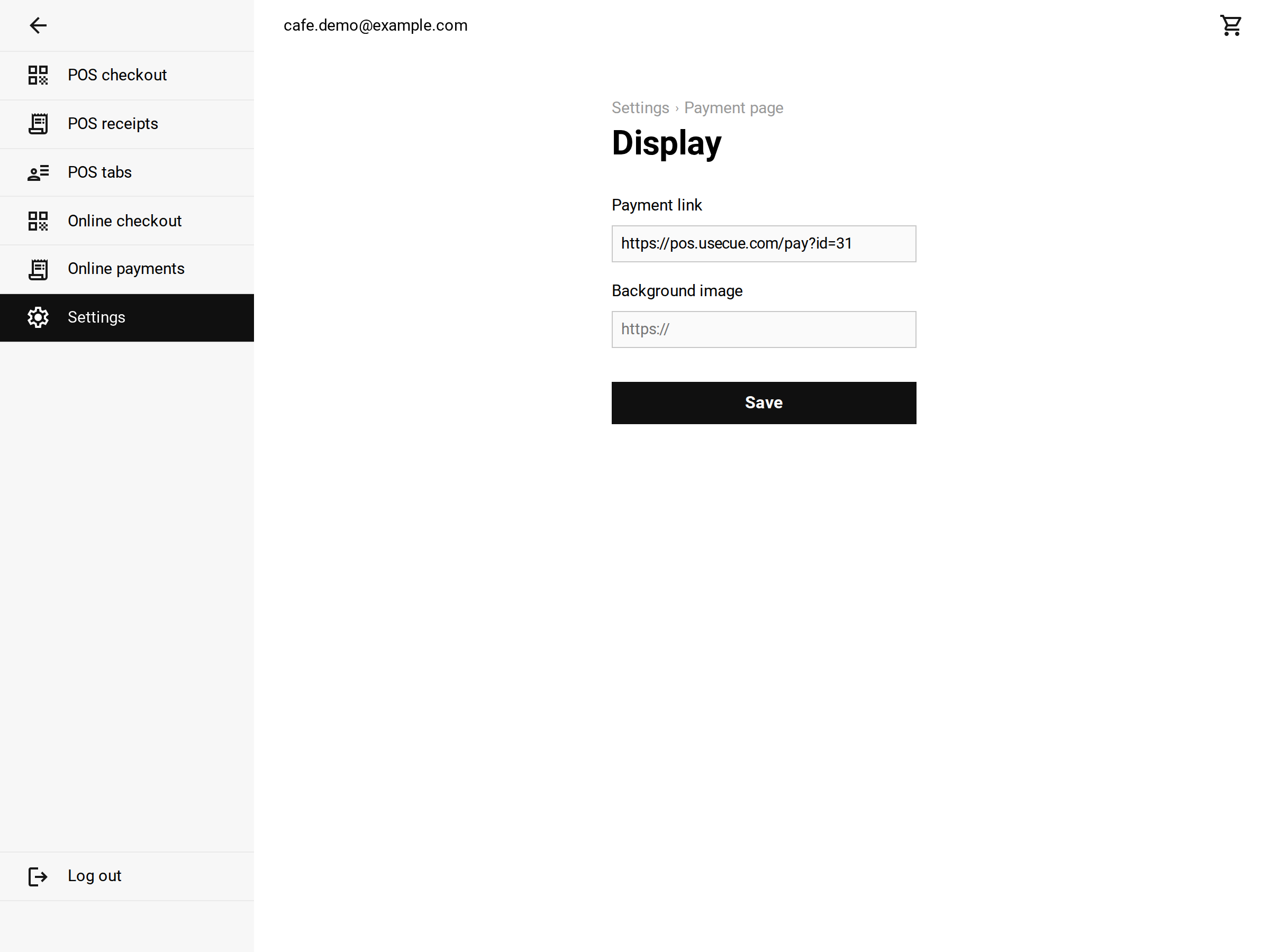 Payment page > Display
- Payment link: is the address of your payment page. Click it to open the page; this is the link you put in an invoice, a webshop or a printed QR code.
- Background image: is a web address of an image. It fills the whole page behind the amount. Leave it empty for a plain background.
Payment page > Configuration
Here you choose which ways to pay the page offers, with a switch per way to pay: EPC QR, Pay with your bank, Payment link (open), Manual bank transfer and Outside the EU. There is one set of switches for Desktop and one for Mobile, because a buyer on a phone cannot scan a QR code on their own screen. A switch is saved the moment you flip it.
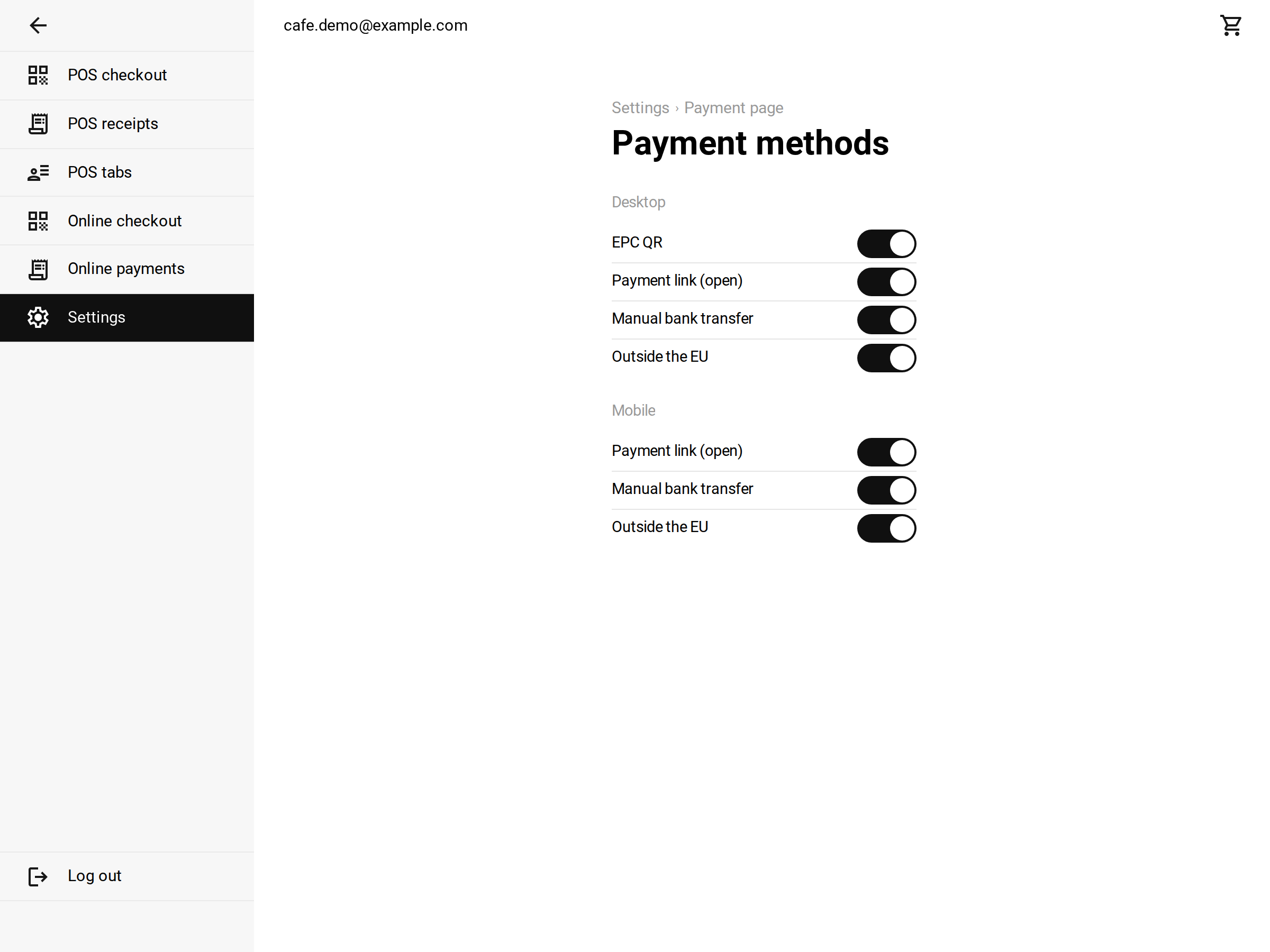 Payment page > Configuration: one set of switches for desktop, one for mobile
The ways to pay
- EPC QR code: the code the buyer scans with their own banking app. The amount and the description are already in it, they only have to sign. This requires your IBAN to be filled in on your company profile.
- Pay with your bank (Ponto): a button that sends the buyer to their own bank, where the payment request is already waiting. This requires a bank connection, and Ponto must have activated the ‘payment initiation’ service for your organisation. Ponto charges a fee per payment request.
- Payment link (open): your first active payment link, for example Tikkie. The buyer fills in the amount themselves there, because such a link does not carry our amount and our description. That is what ‘open’ means.
- Manual bank transfer: your IBAN written out, with step-by-step instructions and a copy button behind the account number, the amount, the recipient and the description. No code, no app: this always works.
- Outside the EU: your first Stripe or PayPal link. A buyer without an IBAN cannot make a transfer and has no use for an EPC code either; a card payment is the only way for them.
Why mobile differs from desktop
A QR code asks for a second screen. At the counter there is one: you hold up the code and the buyer takes out their phone. But a buyer who opens the payment page on their phone has no second screen, there is nothing they can scan the code in front of them with.
That is why:
- On the computer the codes are drawn: the EPC code, a code from your payment link and a code from your IBAN.
- On the phone a QR code is never drawn. A payment link then becomes an ordinary button that opens the app or the payment page of that provider. That is possible, because a payment link is an address. An EPC code is not, which is why ‘EPC QR code’ is not even in the mobile list.
- The manual bank transfer is the only block that is not a code anyway. On the phone that leaves the account number with the copy buttons, which is exactly what that page is meant for.
If you switch on something that is not there, a payment link without payment links or an EPC code without an IBAN, that row is simply skipped. The page the buyer lands on always has a way to pay; if the first choice is not there, the page moves on to the next one you did switch on.
Payment page > Integration
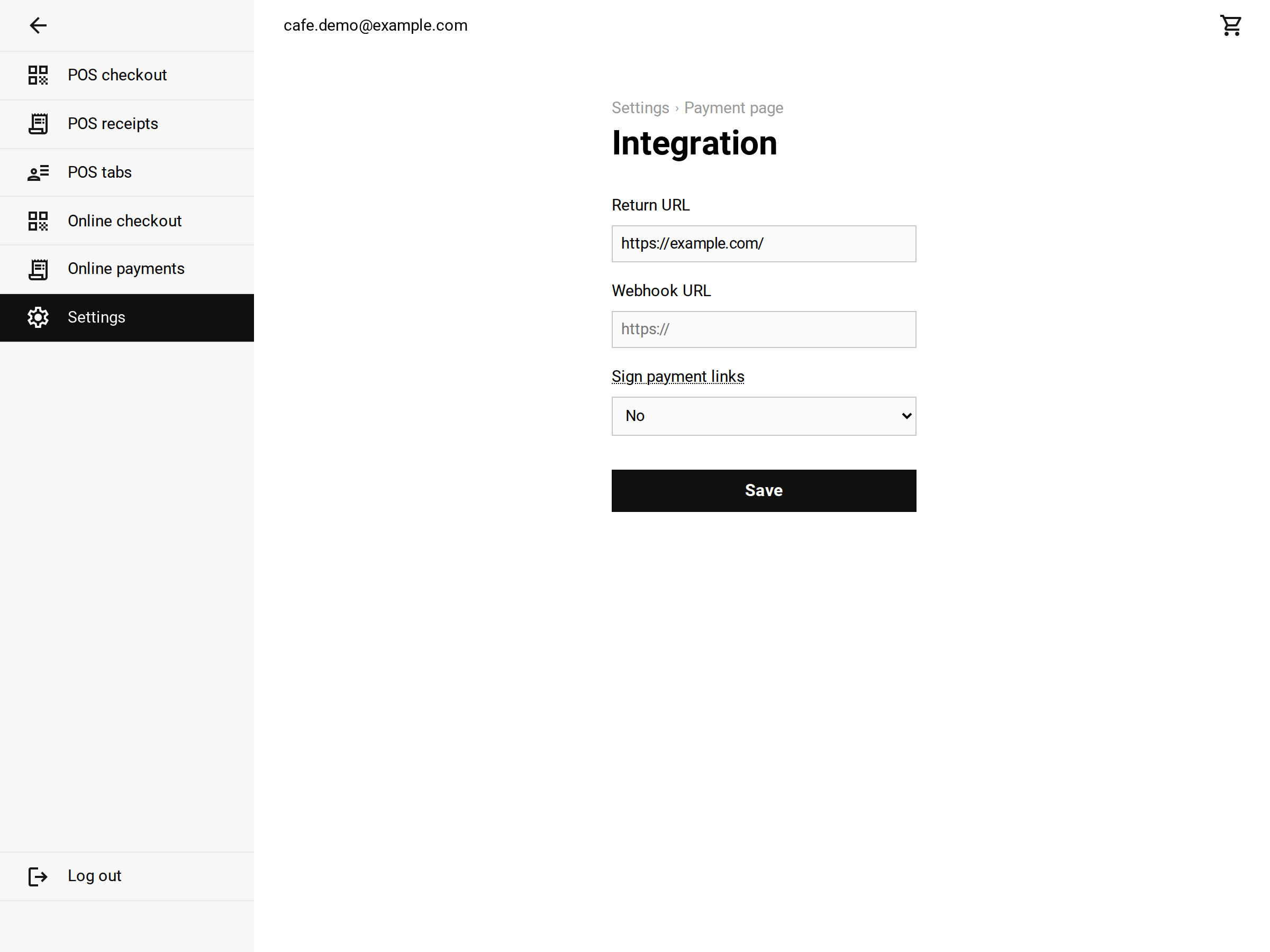 Payment page > Integration
- Return URL: is the address the buyer returns to after paying. A bare domain such as
example.comis fine, it is completed automatically. Leave it empty and the button ‘Back to the webshop’ is not shown. - Webhook URL: is the address that gets a message as soon as something happens with a payment. Saving one comes with a webhook secret, which every message is signed with. See webhook.
- Sign payment links: switch this on when the amount in your payment links must not be adjustable. You then get a payment link secret. See parameters.
