
Point of sale
The point of sale is the cash register itself: the screen you sell from at the counter. Work through getting started first, because checking out needs your company profile with your IBAN.
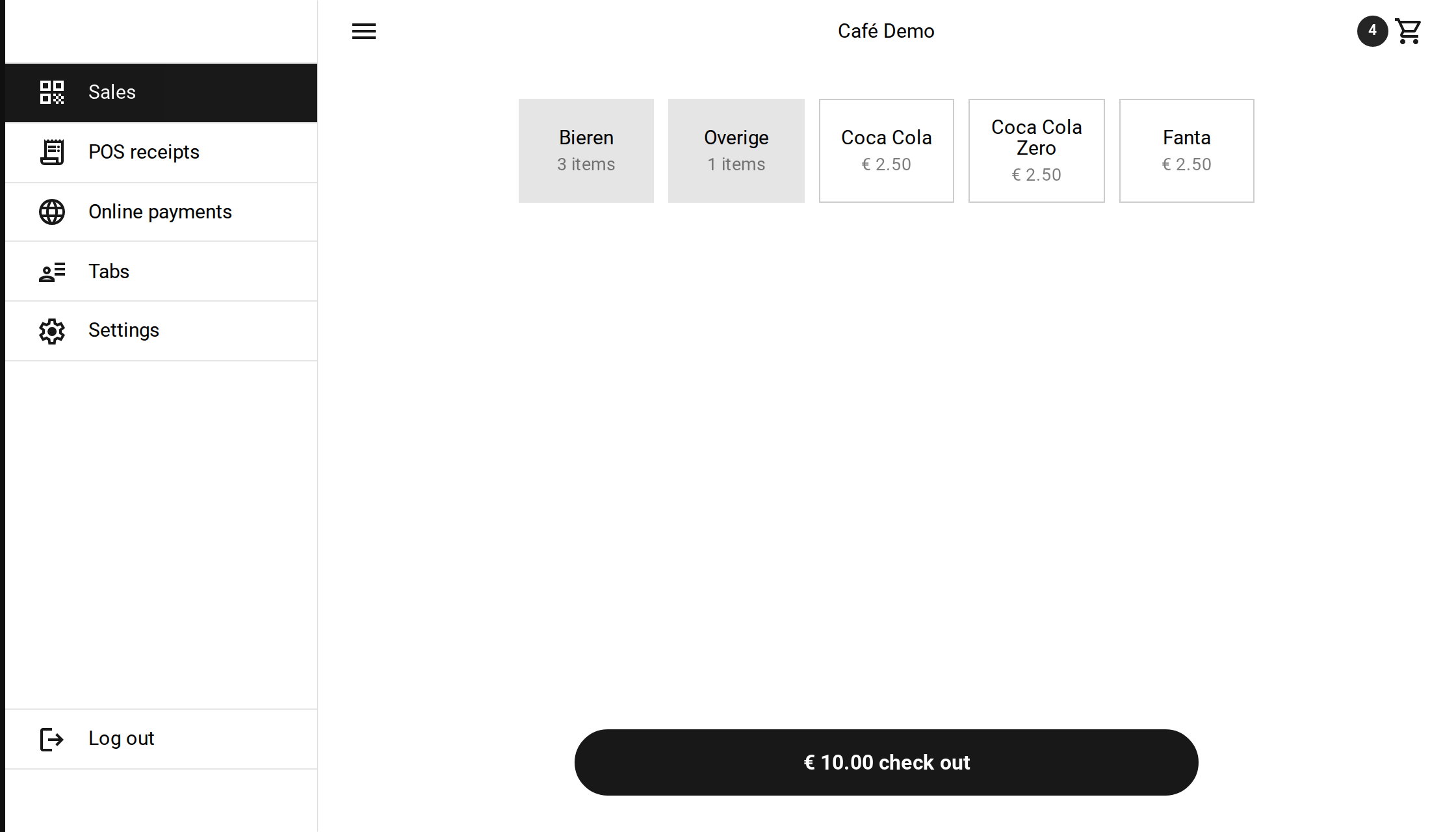 The application on a large screen, with the main menu on the left
Getting started
You can start straight away; there is nothing to set up. Click the shopping cart in the top right corner, choose ‘Charge an amount’ and type in what the customer owes. While you check out you can save every sale as a product, so your catalogue builds itself as you sell.
Walk-through
The point of sale consists of a handful of screens:
- Selling: putting products in the shopping cart, or charging a loose amount.
- Checking out: showing the QR code, confirming the payment and sending the receipt.
- Tabs: keeping orders open for tables and regulars.
The walk-through shows every screen, in the order you meet them during a sale.
