
Start selling in 1 minute
You have a phone and you want to start taking payments today. It takes just 1 minute. Instant setup. Instant payments. Here are the steps:
1. Click ‘Register’
Enter your name, e-mail address and a password, or use the 1-click SSO and continue with your Google account.
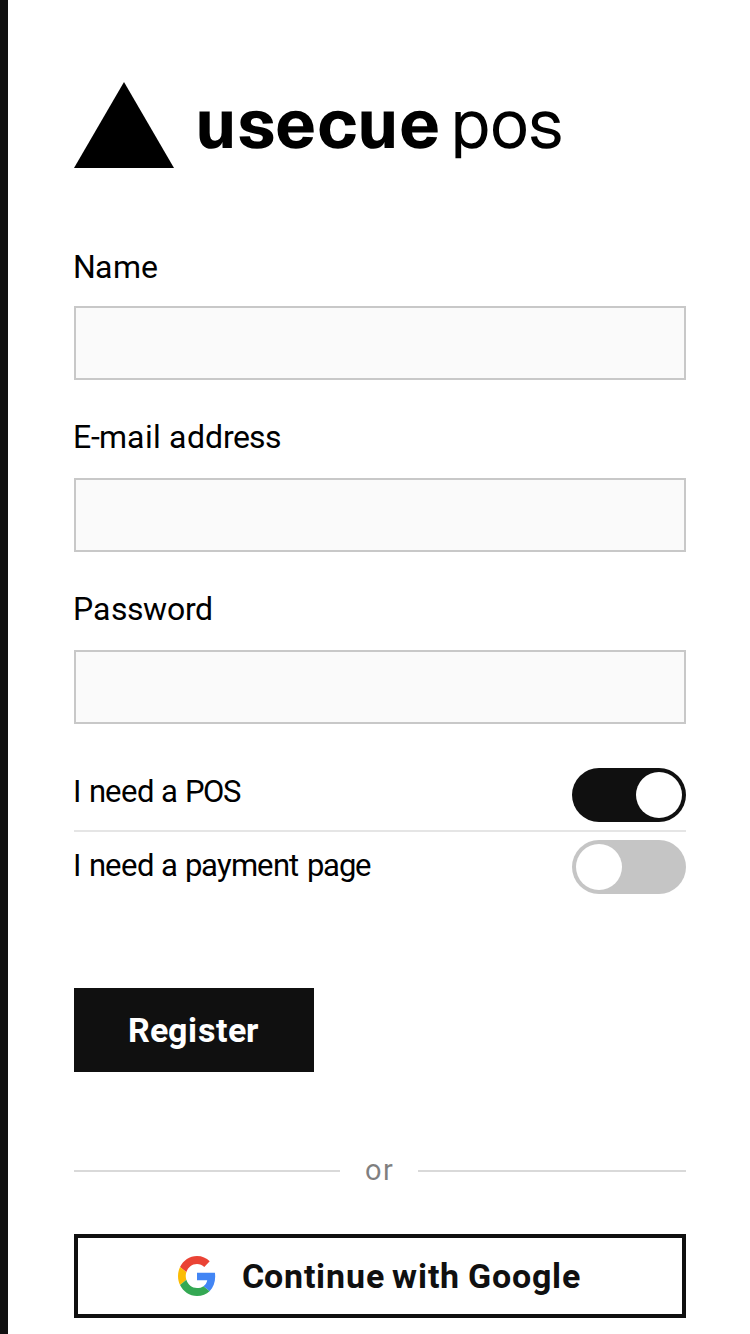 Register with an e-mail address or with Google
2. Enter your IBAN
The only thing we need is the bank account you want to receive the payments on. No contract, no approval.
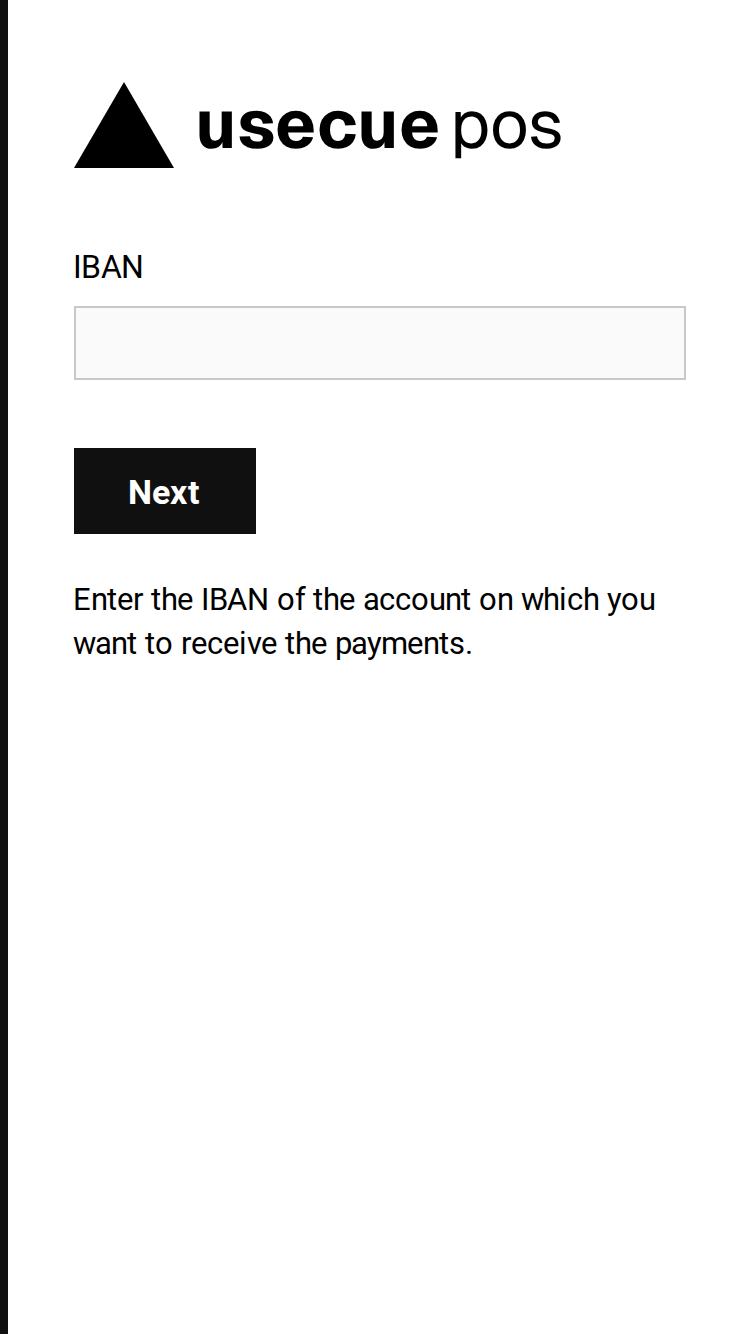 The IBAN page: the only setting you need
3. Your sales page
Your catalogue is still empty, and that is fine. Tap ‘Charge an amount’ or the plus button.
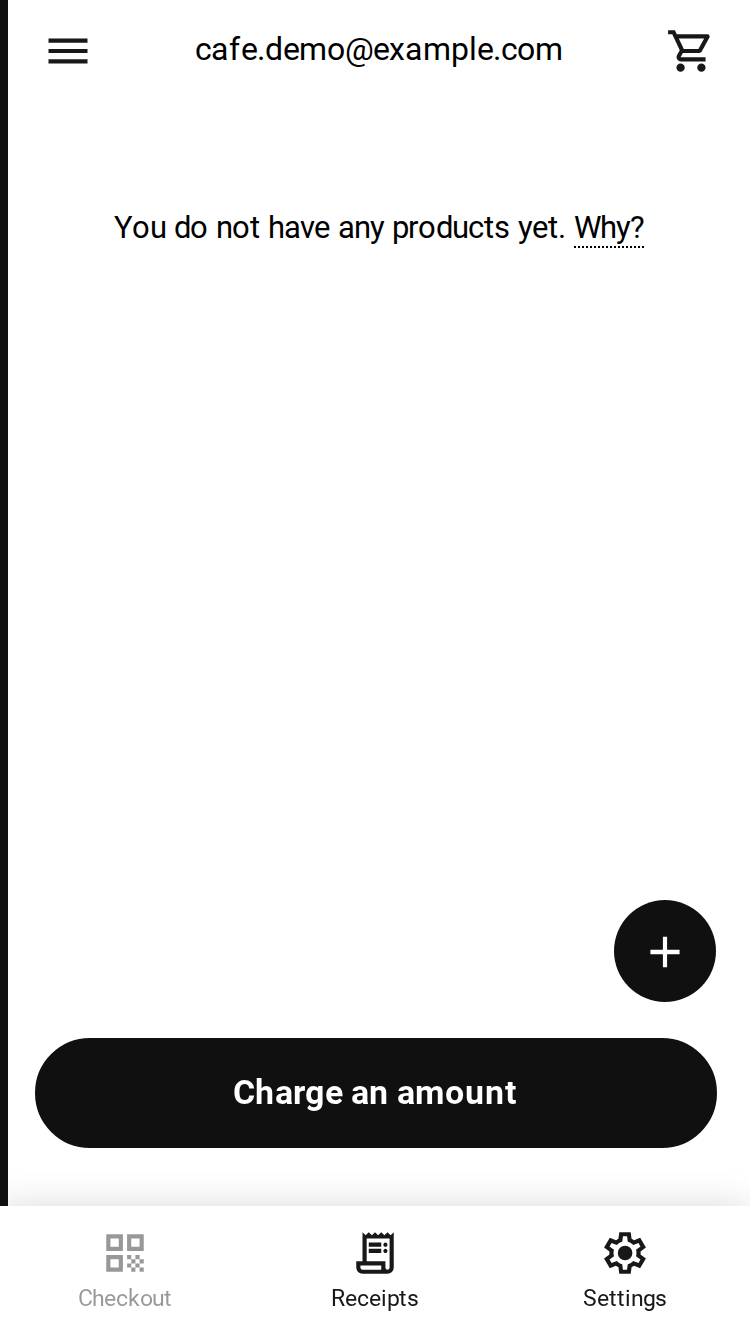 The sales page of a new account
4. Enter the amount
Type a description and the amount. Optionally create your first catalogue item by checking the checkbox.
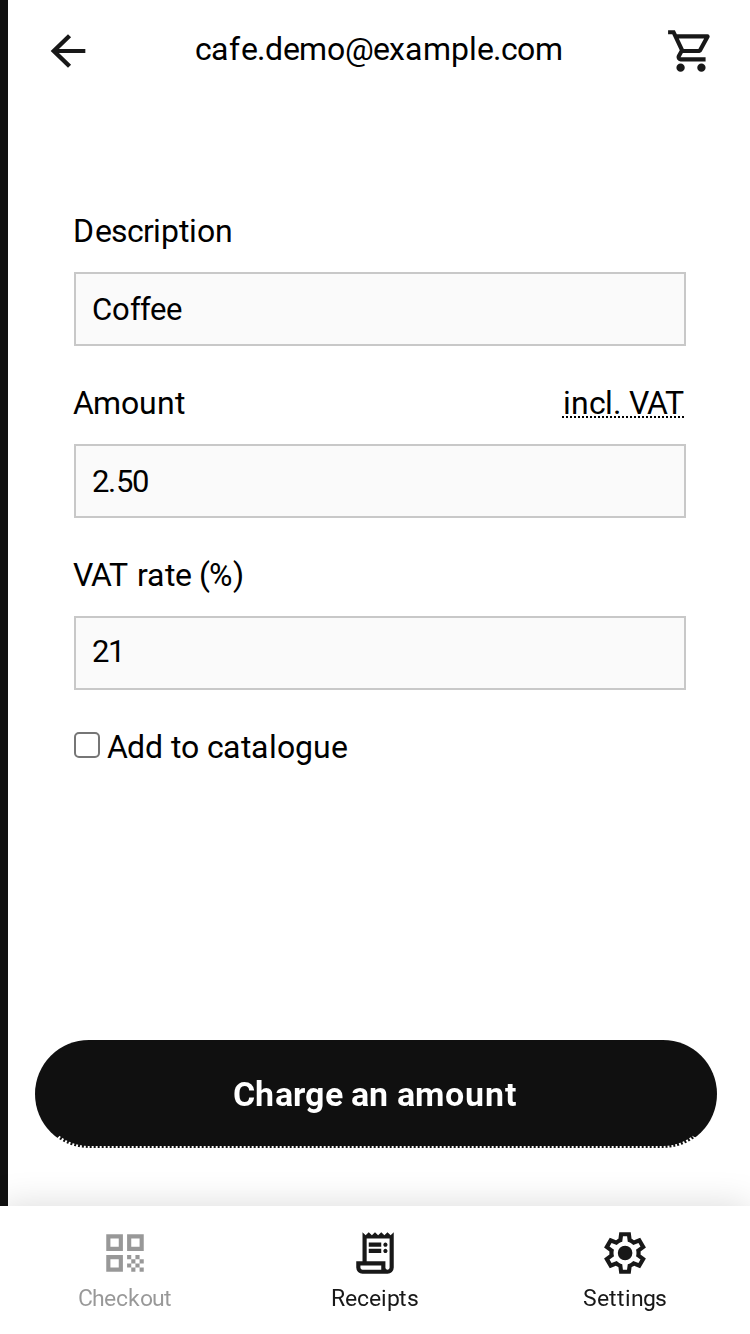 A description and an amount, nothing more
5. Show the QR code to a customer
The customer scans the code with their banking app and pays. That’s it: you have received your first payment. Once you see your banking app confirm the amount in a notification, press the ‘Amount has been paid’ button.
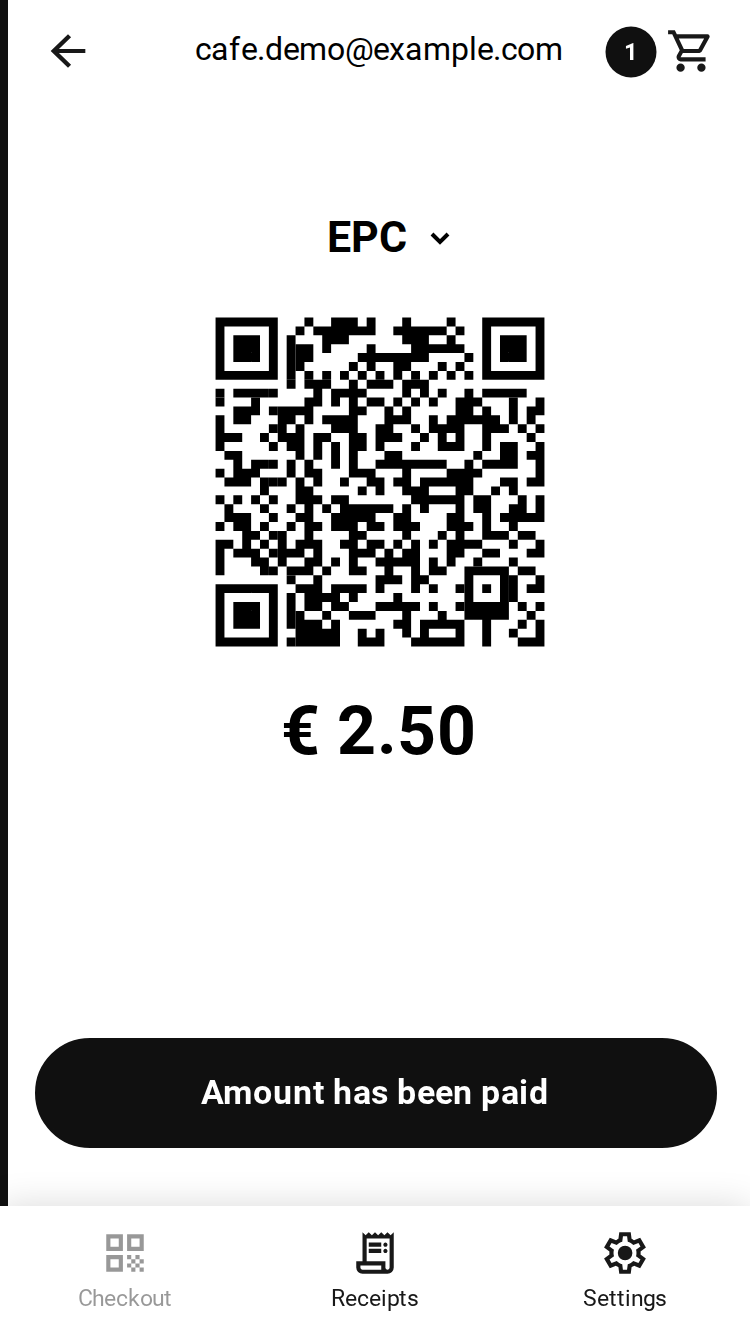 The QR code with the amount
No way!
You better believe it. This is a 100% safe and transparent EPC QR code that transfers money directly from bank to bank without commission. So completely free. Yes way.
